Easter Countdown Email Campaigns for Spring Promotions
Spring into sales with urgency-powered Easter email campaigns
Create Your Timer — Free 10,000 free impressions a month · No watermark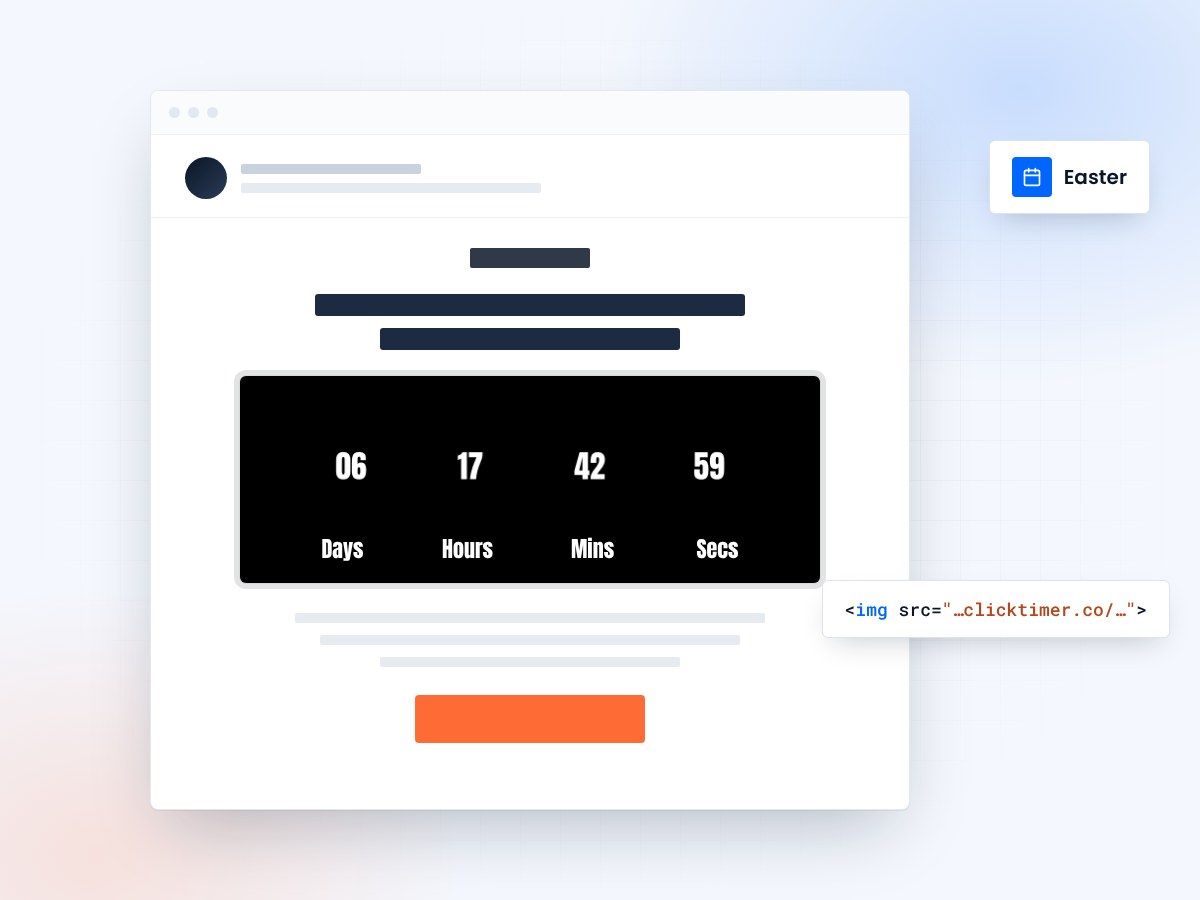
- Easter moves every year
- Spring colors, 900+ fonts
- 10,000 free impressions a month
- No watermark, even on the free plan
Why Easter email campaigns need countdown timers
Easter is a major retail moment for industries ranging from chocolate and confectionery to fashion, home decor, and travel. But unlike fixed-date holidays like Christmas, Easter moves each year — which means many shoppers aren't sure exactly when it falls. A countdown timer solves this problem beautifully: it tells recipients exactly how much time remains while creating urgency to act.
Spring promotions built around Easter tend to perform exceptionally well because they coincide with a shift in consumer behavior — people are ready to spend after the winter slowdown. Email campaigns with countdown timers can capture this seasonal momentum and convert it into measurable revenue.
ClickTimer lets you create spring-themed countdown timers in 30 seconds — with 900+ Google Fonts, custom colors (think pastels, spring greens, and soft yellows), and GIF-based format that works across every email client. Your first 10,000 impressions are completely free, with no watermark.
Easter email campaign timeline
| Timing | Campaign | Timer strategy | Target audience |
|---|---|---|---|
| 3 weeks before | Spring collection launch | Early-bird discount timer | Fashion, home decor |
| 2 weeks before | Easter gift guide | Countdown to shipping cutoff | Chocolate, gifts, toys |
| 1 week before | Flash sales | 48h flash sale countdown | All segments |
| 3 days before | Last-minute delivery | Shipping deadline timer | Procrastinators |
| Easter weekend | Weekend sale | Easter Monday end timer | Bargain hunters |
5 Easter email strategies with countdown timers
The Easter egg hunt sale
Gamify your Easter promotion with a virtual "egg hunt" — hide discount codes throughout your website and send an email with a countdown timer showing how long the hunt lasts. Subject: "Find the hidden eggs — hunt ends in [timer]!" This interactive approach drives website traffic and engagement while the timer creates urgency to participate before time runs out.
The spring refresh campaign
Position Easter as a "spring renewal" moment. Send a curated email featuring new spring arrivals with a limited-time launch discount and a countdown timer. This works particularly well for fashion, beauty, and home decor brands. "Refresh your spring wardrobe — 20% off new arrivals for 72 hours." The timer reinforces the limited window.
The family gathering bundle
Easter is a family occasion. Create bundle deals for family gatherings — whether it's food hampers, activity sets, or matching family outfits — with a countdown to the ordering deadline. "Order your Easter family bundle by [date] for guaranteed delivery." This taps into the planning mindset of hosts and parents.
The chocolate & confectionery countdown
For food brands, run a countdown to your last shipping date for Easter chocolate deliveries. Include beautiful product photography alongside the timer. "Handmade Easter chocolates — order by [date] or miss out." The perishable nature of the product adds a natural urgency layer on top of the timer.
The post-Easter clearance
Don't let Easter Monday pass without a follow-up campaign. Send a clearance email with a countdown timer: "Easter clearance — 48 hours of spring deals." This captures post-holiday bargain hunters and clears seasonal inventory while the festive mood still lingers.
Create your Easter countdown
Pick your spring colors and end date, then copy the code. 10,000 free impressions a month, no credit card.
Already have an account?
Send Test Email
Enter your email to receive a preview of how this countdown looks in email campaigns.
Spring color palette for your timers
Easter timers look best with spring-inspired colors. Try pastel combinations like soft pink (#F9A8D4) on white, spring green (#86EFAC) with cream backgrounds, or lavender (#C4B5FD) with light gray. ClickTimer's full color customization lets you match any spring palette, and the 900+ Google Fonts library includes elegant options like Playfair Display or cheerful choices like Quicksand.
Easter email best practices
Keep it warm
Easter emails should feel joyful, fresh, and seasonal. Use bright, spring-inspired imagery and keep your messaging positive and family-friendly. Avoid overly aggressive sales language — Easter shoppers respond better to warm, inviting copy than to hard-sell tactics.
Show the actual date
Because Easter's date changes each year, always include the actual date prominently in your emails alongside the countdown timer. Many subscribers won't know the exact date, so your email serves double duty: informing them when Easter falls and creating urgency to act.
Segment your audience
Segment your audience carefully. Parents with young children respond to different Easter messaging than couples or young adults. Tailor your product recommendations and countdown messaging to each segment. Use your ESP's segmentation tools alongside ClickTimer for maximum impact — whether you're on Mailchimp, Omnisend, or any other platform.
Frequently asked questions
When does Easter fall each year?
Easter Sunday varies each year — it's the first Sunday after the first full moon following the spring equinox. In 2026, Easter Sunday falls on April 5th. A countdown timer helps your subscribers know exactly how much time they have left.
What industries benefit most from Easter email campaigns?
Chocolate and confectionery, fashion and apparel, home decor, toys and gifts, travel and hospitality, and food and beverage. But any retail brand can tap into the spring renewal theme with creative Easter-adjacent promotions.
Should my countdown timer count down to Easter Sunday?
For most campaigns, count down to your shipping deadline or sale end date rather than Easter itself. The exception is event-based promotions (Easter brunches, egg hunts) where the event date is the true deadline.
Is ClickTimer affordable for seasonal campaigns I only run once a year?
Yes — ClickTimer's pay-as-you-go model is ideal for seasonal campaigns. You only pay for impressions used (starting at €0.23/10K), and credits never expire. No monthly subscription means you're not paying during off-season months. This is far more cost-effective than competitors like MailTimers (€49/month) or Deadline Funnel ($49/month).
Get your Easter campaign ready
Create your timer in about a minute and paste it into any email platform.