Free Email Countdown Timers: Complete Guide
Every free countdown timer option reviewed — including which ones actually stay free without watermarks.
Create Your Timer — Free 10,000 free impressions a month · No watermark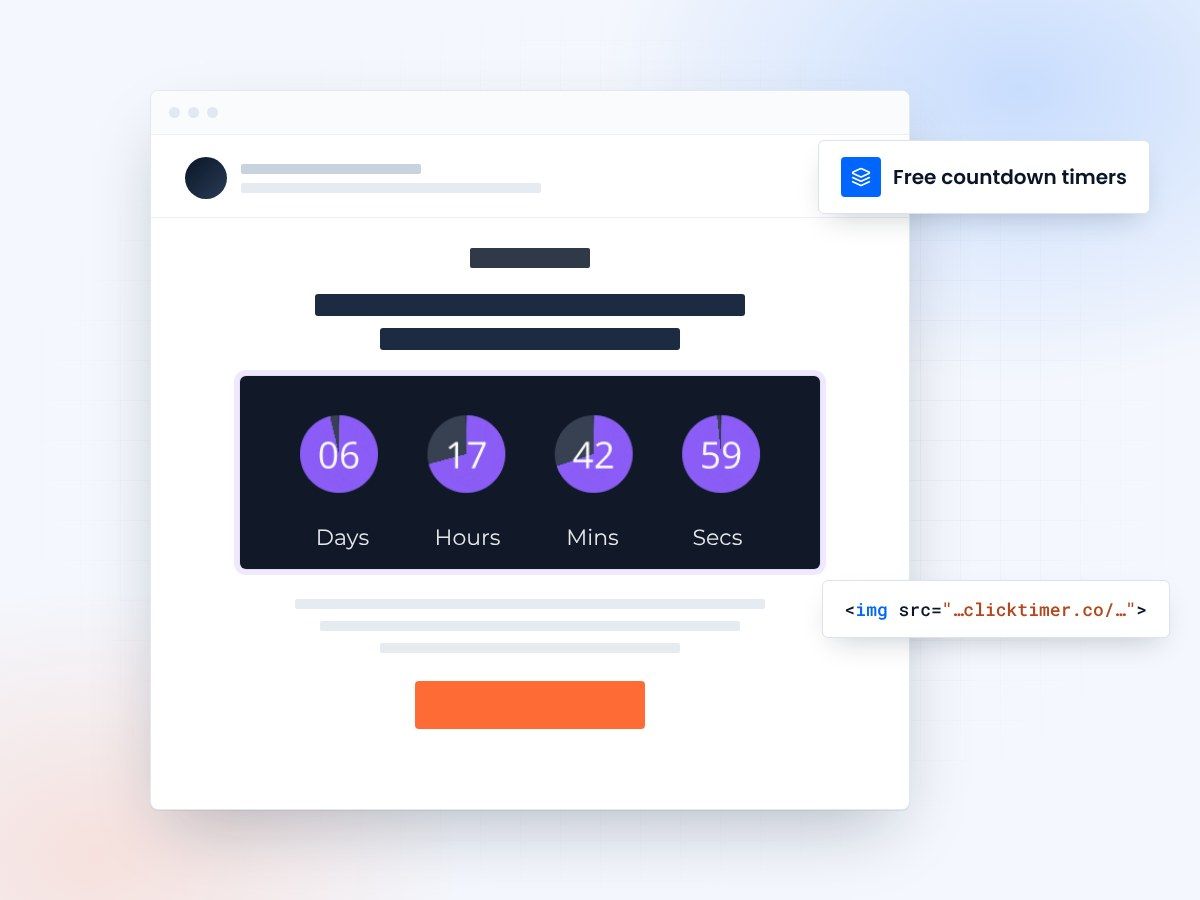
- No watermark, even on the free plan
- 10,000 free impressions a month
- No credit card to start
- Prepaid credits that never expire
Can you really get a free email countdown timer?
Yes — but not all free timers are created equal. Some tools offer a genuinely useful free tier, while others severely limit functionality or slap a watermark on your timer that tells every subscriber you are using a free tool. If you are sending professional emails to customers, that third-party branding is a non-starter.
We reviewed every free email countdown timer option available in 2026, looking at impression limits, watermark policies, customization options, and what happens when you outgrow the free tier. Here is what we found.
Free timer comparison table
| Tool | Free impressions | Watermark? | Customization | Upgrade cost |
|---|---|---|---|---|
| ClickTimer | 10,000/month | No watermark | Full (900+ fonts, colors, sizes) | €0.23/10K (pay-as-you-go) |
| Sendtric | Unlimited | Yes | Very limited | Paid plans for removal |
| MotionMail | 1,000 | Yes | Basic | $10/month |
| CountdownMail | Limited | Yes (on free) | Moderate | $9/month |
Best free option: ClickTimer
ClickTimer offers the best free tier in the market for one simple reason: no watermark. You get 10,000 free impressions per month with full access to every design feature — 900+ Google Fonts, custom colors, flexible sizing, and all timer styles. Your emails look completely professional from day one.
For context, 10,000 impressions covers a single campaign to roughly 5,000 to 8,000 subscribers (accounting for multiple opens). For small businesses, newsletters, or testing purposes, you may never need to pay at all.
The watermark difference matters
A watermark tells your subscribers you are using a free tool. It undermines trust and looks unprofessional — especially for ecommerce, SaaS, and B2B emails. ClickTimer is one of the only tools that offers a completely clean free tier. Compare this directly in our ClickTimer vs Sendtric comparison.
The other free options
Runner-up: Sendtric (unlimited but watermarked)
Sendtric's biggest advantage is unlimited free timers. If volume matters more than branding, Sendtric lets you embed as many countdowns as you want without hitting a cap. The downside is the ever-present Sendtric watermark and very limited design customization. You cannot change fonts, and layout options are basic.
Sendtric works for internal emails, testing, or situations where brand appearance is less important. For customer-facing campaigns, the watermark is a significant drawback that most marketers will want to avoid.
What about MotionMail and CountdownMail?
MotionMail offers a tiny free tier of just 1,000 impressions — with a watermark. That is barely enough for a single email to a small list. CountdownMail similarly gates its free offering behind watermarks and tight limits. Both tools are designed to push you to paid plans quickly.
Neither comes close to ClickTimer's combination of 10,000 free impressions and zero watermark. If you are comparing all the best email countdown timers, ClickTimer's free tier stands alone as the most generous no-strings-attached option.
Create your free countdown
Set the deadline, match your brand, copy the code. 10,000 free impressions a month, no watermark.
Already have an account?
Send Test Email
Enter your email to receive a preview of how this countdown looks in email campaigns.
What happens when you outgrow free?
With ClickTimer, upgrading from free is seamless. You simply purchase prepaid credits at €0.23 per 10,000 impressions. There is no subscription to manage and credits never expire. As your volume grows, the rate drops — down to €0.15/10K at 150K impressions and €0.06/10K at 1M+ impressions.
Compare this to subscription-based tools: MotionMail jumps to $10/month, CountdownMail to $9/month, and MailTimers to €49/month. Even if you only run occasional campaigns, you are paying those monthly fees. ClickTimer's pay-as-you-go model means you only pay when you actually send. For a detailed price breakdown, see our countdown timer pricing comparison.
How to set up a free countdown timer
Setting up a free countdown timer with ClickTimer takes 30 seconds. Visit the timer configurator, set your deadline date and time, choose your font and colors, and click generate. You will get an HTML code to paste into an HTML block in any email builder. No account required for the free tier.
Best use cases for free countdown timers
Free countdown timers are perfect for several scenarios.
- Small businesses running occasional flash sales get plenty from 10,000 monthly impressions.
- Newsletter publishers can add urgency to event announcements or limited offers.
- Marketers testing countdown effectiveness can validate the concept before investing in larger campaigns.
Frequently asked questions
Is ClickTimer really free with no watermark?
Yes. ClickTimer offers 10,000 free impressions per month with absolutely no watermark. You get full access to all design features including 900+ Google Fonts and custom colors. No credit card is required to start.
Which free countdown timer has the most impressions?
Sendtric offers unlimited free impressions but includes a watermark on every timer. ClickTimer offers 10,000 free impressions with no watermark. Your choice depends on whether clean branding or unlimited volume matters more.
Can I use a free countdown timer for Shopify emails?
Yes. Free countdown timers from ClickTimer work with any email platform, including Shopify Email, Klaviyo, Omnisend, and any other ESP you use with your Shopify store.
Do free countdown timers work in Gmail and Outlook?
Yes. GIF-based countdown timers work in all major email clients including Gmail, Outlook, Apple Mail, and Yahoo Mail. This is the standard format used by all reputable countdown timer tools.
Try ClickTimer free
10,000 free impressions. No watermark. No credit card required.