Add a Countdown Timer to GetResponse Emails
Boost urgency and conversions in your GetResponse campaigns with a live countdown timer — setup in 30 seconds, no coding required.
Create Your Timer — Free 10,000 free impressions a month · No watermark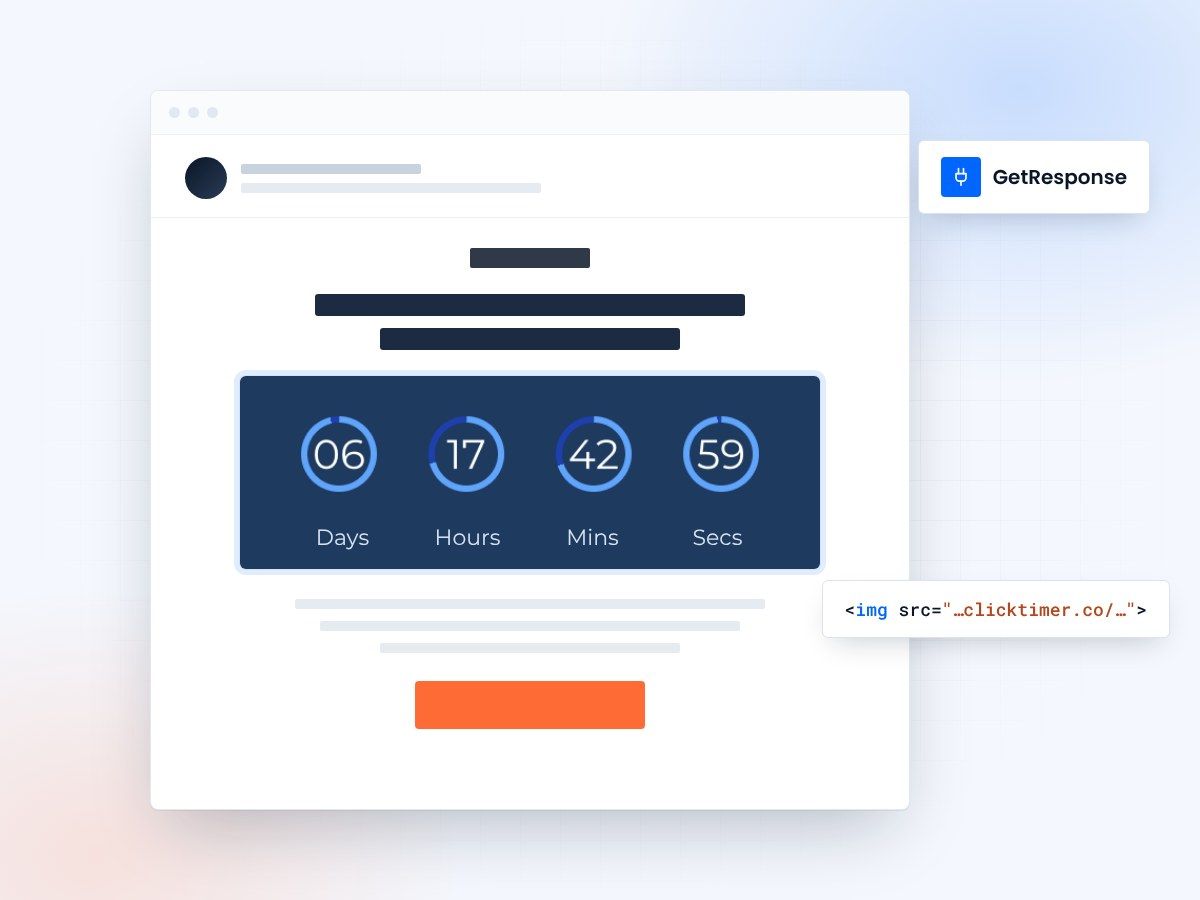
- Works in every GetResponse email type
- Added in under 30 seconds
- 900+ fonts to match your brand
- No watermark, even on the free plan
Why add countdown timers to GetResponse emails
GetResponse is a versatile marketing platform offering email marketing, landing pages, marketing automation, and webinar hosting. With over 350,000 customers in 183 countries, it's one of the most comprehensive tools for small and medium businesses. But even with GetResponse's excellent feature set, your emails need that extra push to drive immediate action.
Countdown timers provide exactly that push. When recipients see a live timer counting down in their inbox, they instinctively feel the urgency to act before time runs out. This is especially powerful for GetResponse users who run flash sales, webinar registrations, and time-sensitive promotions regularly.
With ClickTimer, you can add a professional, animated countdown timer to any GetResponse email in under 30 seconds. No watermark, 900+ fonts, and a pay-as-you-go model that starts free.
Adding a ClickTimer to GetResponse
- Create your timer on ClickTimerVisit clicktimer.co, set your countdown deadline, timezone, font (900+ choices), and colors. Copy the generated HTML code.
- Open GetResponse Email CreatorNavigate to Email Marketing → Create newsletter (or open your autoresponder/automation email). GetResponse's drag-and-drop Email Creator will open.
- Add an HTML blockDrag an HTML block from GetResponse's toolbox into your email. Paste your ClickTimer code and the countdown appears instantly.
- Link the timer to your offerIn ClickTimer, set the timer's link to your landing page or offer. The embed code already contains it. GetResponse tracks link clicks, so you'll see exactly how many people clicked through from the timer.
- Preview, test, sendUse GetResponse's preview to check the timer on desktop and mobile. Send a test email, verify the animation works, and then schedule your campaign.
Countdown timers in GetResponse autoresponders and automations
GetResponse offers both classic autoresponders and a visual marketing automation builder. Countdown timers work in both, and here's how to get the most out of them:
Autoresponder sequences
Set up a drip campaign where each email contains a countdown timer showing when the special offer expires. As the deadline approaches, the timer creates escalating urgency across the sequence.
Webinar promotion
GetResponse has built-in webinar hosting. Add a countdown timer to your webinar invitation and reminder emails showing the exact time until the event starts. This drives higher registration and attendance rates.
Ecommerce triggers
If you use GetResponse's ecommerce features, add countdown timers to cart abandonment emails, back-in-stock notifications, and limited-time product promotions.
Create your GetResponse countdown
Set the deadline, pick a font, paste the code into an HTML block. 10,000 free impressions a month, no credit card.
Already have an account?
Send Test Email
Enter your email to receive a preview of how this countdown looks in email campaigns.
ClickTimer vs other options for GetResponse
| Feature | ClickTimer | MotionMail | Sendtric |
|---|---|---|---|
| Free tier | 10K impressions, no watermark | Limited free plan | Free with watermark |
| Pricing | Pay-as-you-go from €0.23/10K | From $20/month | Premium plans available |
| Fonts | 900+ Google Fonts | Limited | Basic fonts |
| GetResponse compatible | Yes | Yes | Yes |
GetResponse supports A/B testing up to 5 variants. Create one version of your email with a countdown timer and one without. Track open rates, click-through rates, and conversions for each version. Our users typically see a 25-40% lift in CTR when adding a countdown timer.
ClickTimer pricing
ClickTimer uses prepaid credits that never expire — the same philosophy that makes GetResponse popular among budget-conscious marketers:
| Impressions | Price |
|---|---|
| 0 – 10,000 | Free (no watermark) |
| 10K – 150K | €0.23 per 10K impressions |
| 150K – 1M | €0.15 per 10K impressions |
| 1M+ | €0.06 per 10K impressions |
Other platforms
See how ClickTimer works with other platforms: ActiveCampaign tutorial, HubSpot tutorial, Mailchimp guide, and the full ESP integrations hub.
Frequently asked questions
Does ClickTimer work with GetResponse autoresponders?
Yes. ClickTimer works with all GetResponse email types — newsletters, autoresponders, automation emails, and RSS-to-email campaigns. Simply add an HTML block and paste the code.
Can I use different timers in different emails?
Absolutely. Each ClickTimer has its own embed code with its own deadline and design. You can create unlimited timers and use different ones across your GetResponse campaigns and automations.
Will the timer slow down my email loading?
No. ClickTimer generates lightweight GIFs that load quickly. The timer is served from ClickTimer's CDN, so it doesn't affect your GetResponse email's loading speed.
Does ClickTimer integrate with GetResponse landing pages?
While ClickTimer is designed for emails, you can also embed the timer image on any landing page, including GetResponse landing pages, by pasting the timer's HTML code into an HTML block.
Try ClickTimer free in GetResponse
Create your first countdown timer in 30 seconds.