Membership Renewal Countdown Email Strategies
Reduce churn and boost renewals with countdown-driven email campaigns
Create Your Timer — Free 10,000 free impressions a month · No watermark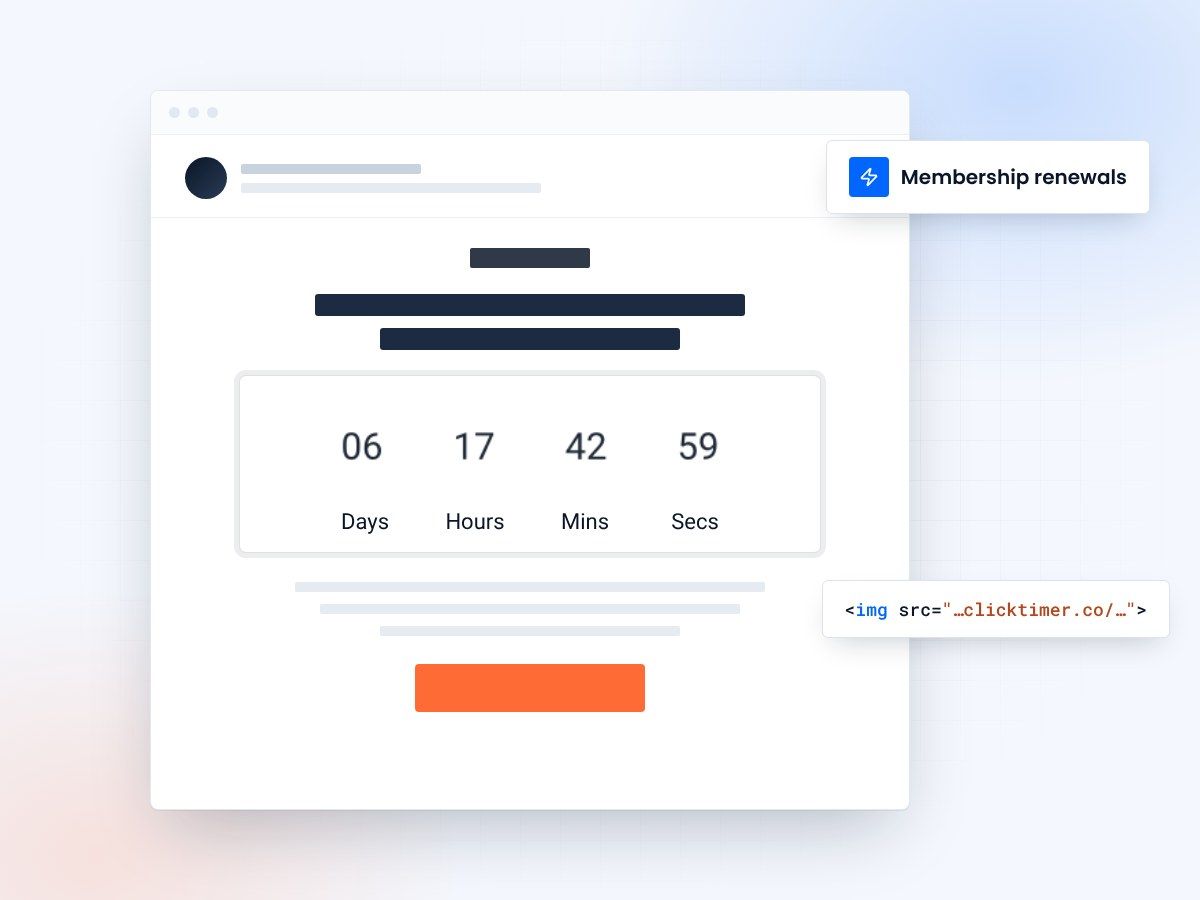
- Countdown to each member's renewal date
- Works in every email client
- 10,000 free impressions a month
- No watermark, even on the free plan
Why countdown timers are essential for membership renewals
Membership renewals are the single most important revenue event for subscription businesses. Yet most organizations treat renewal emails as an afterthought — a bland text reminder that's easy to ignore. The result? Involuntary churn from members who simply forgot, and voluntary churn from those who didn't feel enough urgency to act.
A countdown timer in your renewal emails transforms a forgettable reminder into an impossible-to-ignore visual cue. When members see "3 days, 7 hours, 22 minutes" ticking down to when their benefits expire, the abstract concept of "renew sometime soon" becomes a concrete, time-sensitive action. This is loss aversion at work — people are twice as motivated to avoid losing something they have than to gain something new.
Whether you run a gym, a professional association, a subscription box, or a SaaS platform, the mechanics are the same: make the deadline feel real, and more members will act before it passes.
The renewal email sequence framework
A single renewal email isn't enough. The most effective approach uses a multi-touch sequence that escalates urgency as the deadline approaches. Here's a proven 5-email framework:
| Timing | Focus | Timer style | |
|---|---|---|---|
| 1 — early notice | 30 days before | Year-in-review + value recap | Days remaining (subtle) |
| 2 — benefits reminder | 14 days before | What you'll lose access to | Days + hours countdown |
| 3 — social proof | 7 days before | Testimonials + community | Days + hours countdown |
| 4 — urgency push | 3 days before | Direct urgency appeal | Hours + minutes countdown |
| 5 — final notice | Day of expiration | Last chance + incentive | Minutes + seconds countdown |
Countdown strategies by membership type
Gym and fitness memberships
Focus on streaks and progress. "You've logged 47 workouts this year. Don't lose your streak — renew before [countdown]." The countdown amplifies the fear of losing tracked progress.
Professional associations
Emphasize credential and networking access. "Your [certification] designation expires in [countdown]. Renew to maintain your credentials." Professionals can't afford gaps in their certifications.
Subscription boxes
Use upcoming box reveals as the incentive. "The April box is shipping in [countdown] — renew now to secure yours." Combine scarcity (limited boxes) with the countdown for maximum impact.
SaaS and digital tools
Highlight data and workflow continuity. "Your projects, templates, and team access expire in [countdown]. Renew to keep everything intact." The fear of losing accumulated work is a powerful motivator.
Combine your countdown timer with an early-bird discount that expires before the actual membership does. For example: "Renew in the next [countdown to early-bird deadline] and save 15%." This creates two urgency layers — the discount deadline and the membership deadline.
Setting up renewal countdown timers with ClickTimer
Adding a countdown to your renewal emails with ClickTimer takes under a minute. Visit the configurator, set your countdown to the member's renewal date, customize the design from 900+ Google Fonts and your brand colors, and paste the generated HTML code into an HTML block in your email.
For automated renewal sequences in Klaviyo, ActiveCampaign, or HubSpot, use dynamic date parameters in the ClickTimer URL so each member sees their personalized renewal deadline.
The cost? ClickTimer's free tier covers 10,000 impressions — no watermark, no signup fees. Beyond that, pay-as-you-go pricing starts at just €0.23 per 10,000 impressions, scaling down to €0.06/10K for high volumes. Compare that to MailTimers at €49/month or CountdownMail at $9/month — for most membership organizations, ClickTimer is effectively free.
Create your renewal countdown
Set the renewal date, match your brand, copy the code. 10,000 free impressions a month, no credit card.
Already have an account?
Send Test Email
Enter your email to receive a preview of how this countdown looks in email campaigns.
Reducing involuntary churn with countdown reminders
Involuntary churn — members who lapse because they forgot, missed the email, or had a payment issue — accounts for 20-40% of all membership losses. Countdown timers address this by making renewal deadlines unmissable.
When a member opens an email and sees a countdown actively ticking, it triggers immediate attention. Unlike a static "Your membership expires on April 15" text that's easily skimmed over, an animated countdown demands a second look. It's the difference between a passive notification and an active reminder.
Measuring renewal campaign performance
| Metric | Industry average | With countdown timer |
|---|---|---|
| Renewal email open rate | 20-30% | 25-40% |
| Click-through to renewal page | 3-8% | 8-18% |
| On-time renewal rate | 60-75% | 70-85% |
| Days before deadline of renewal | Spread over weeks | Concentrated 3-7 days before |
Frequently asked questions
Can I personalize the countdown for each member's renewal date?
Yes. Pass each member's renewal date as a parameter in the ClickTimer URL using your ESP's merge tags. Each member will see a countdown to their specific deadline.
What if a member renews before the countdown ends?
Use your ESP's automation rules to suppress subsequent emails once a member renews. The countdown in already-delivered emails is harmless — if opened after renewal, the member simply ignores it.
How many renewal emails should I send?
A 4-5 email sequence over 30 days works best. Start gentle, escalate urgency. The countdown timer naturally escalates the urgency as the deadline approaches — a timer showing "28 days" feels different from one showing "6 hours."
Does the timer work in Outlook?
Yes. ClickTimer uses GIF-based animation, which is supported by all major email clients including Outlook, Gmail, Apple Mail, and Yahoo Mail. In Outlook desktop, the GIF displays as a static frame showing the current time remaining.
Make your next renewal deadline impossible to miss
Set the countdown to your renewal date and paste it into any email platform.