Back to School Countdown Email Campaigns
Capture back-to-school spending with deadline-driven email campaigns.
Create Your Timer — Free 10,000 free impressions a month · No watermark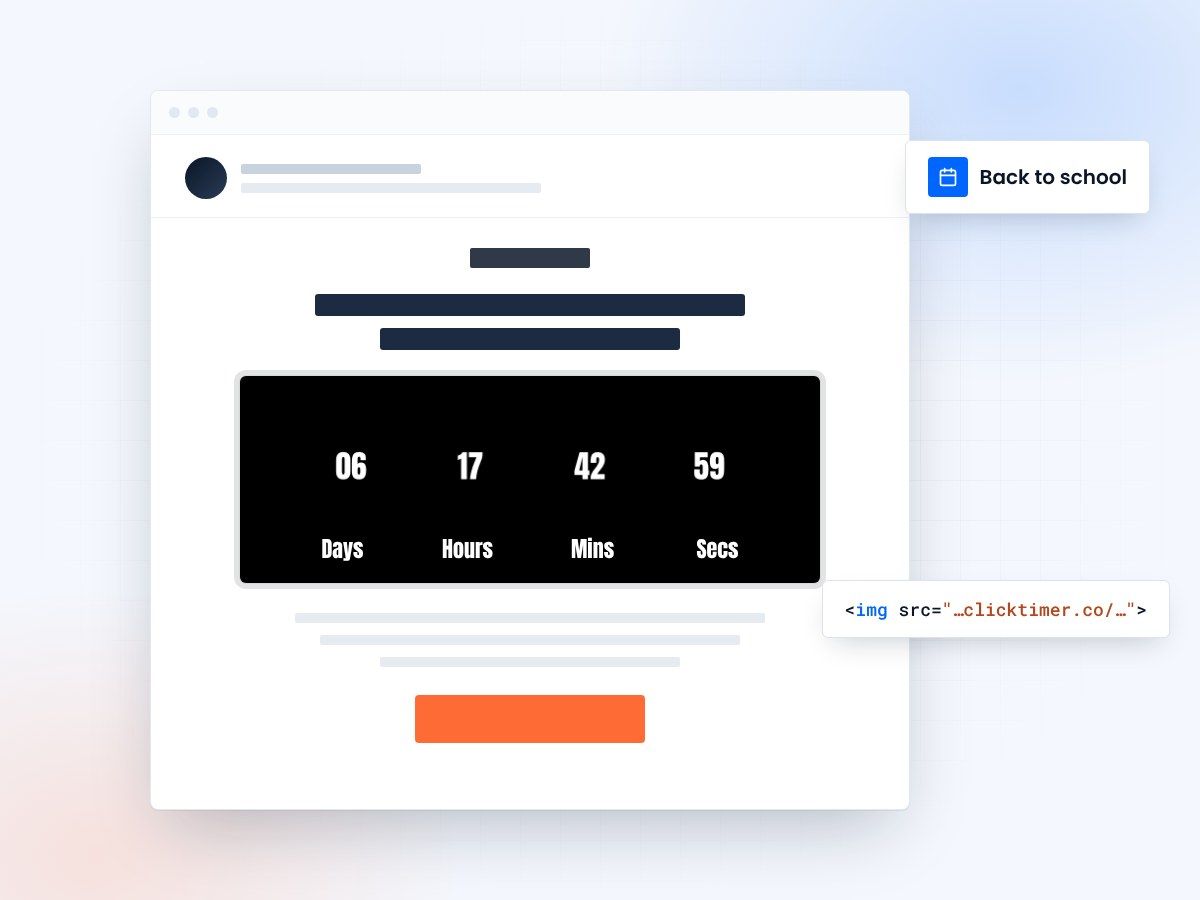
- Countdowns to every school start date
- Separate timers per segment and region
- 10,000 free impressions a month
- No watermark, even on the free plan
Why back-to-school emails need countdown timers
Back-to-school season is the second-largest retail event of the year after the winter holidays. Parents, students, and educators all have a fixed deadline — the first day of school — and they need supplies, clothes, tech, and gear before that date. This hard deadline makes back-to-school emails a perfect fit for countdown timers.
The challenge with back-to-school marketing is that school start dates vary by region. Some districts start in early August, others in September. Smart email marketers segment by geography and use ClickTimer to create region-specific countdowns. A parent in Texas seeing "5 days until school starts" feels far more urgency than a generic "back to school sale" banner.
The back-to-school shopping window is also wider than most seasonal events — families shop over 4–6 weeks. Countdown timers help you create multiple urgency moments within this window: early-bird sale deadlines, free shipping cutoffs, and final-week countdowns to the first day of school.
Back-to-school campaign timeline
| Period | Email Focus | Timer Strategy |
|---|---|---|
| 6 weeks before | Early Bird Sale Launch | Countdown to early bird sale end |
| 4 weeks before | Supply List Essentials | Countdown to first day of school |
| 3 weeks before | Tech & Electronics | Flash sale 48-hour timer |
| 2 weeks before | Clothing & Fashion | Free shipping deadline timer |
| 1 week before | Last-Minute Deals | 7-day countdown to school start |
| Final 48 hours | Emergency Shopping | Hours-left timer, high urgency |
Setting up back-to-school timers
Pick the deadline
Head to ClickTimer's configurator and set your end date to the relevant deadline — whether that's a sale end, shipping cutoff, or first day of school. You can create multiple timers for different deadlines and segments, each with its own style.
Style it for the season
For back-to-school styling, bold and energetic works best. Think bright colors, clean sans-serif fonts, and high contrast. ClickTimer gives you 900+ Google Fonts and full color customization. The timer renders as a GIF that works in every email client and ESP — just paste the HTML code into your email builder.
Back-to-school email subject lines
Match your subject line urgency to the campaign phase.
The countdown timer inside the email reinforces whatever urgency your subject line promises. When a parent opens "Free shipping ends Friday" and sees a live timer showing 2 days, 14 hours, 37 minutes — that deadline becomes real, personal, and motivating.
Create your back-to-school countdown
Set the deadline, match your colors, copy the code. 10,000 free impressions a month, no credit card.
Already have an account?
Send Test Email
Enter your email to receive a preview of how this countdown looks in email campaigns.
Audience segments for back-to-school
Back-to-school buyers aren't one-size-fits-all.
Segment and customize your countdown campaigns for parents of elementary schoolers (focus on supplies, lunchboxes, backpacks), parents of teens (clothes, tech, dorm essentials), college students (electronics, furniture, bedding), and teachers/educators (classroom supplies, organizational tools). Each segment has different product needs but responds equally well to deadline-driven urgency.
Pricing for back-to-school timer campaigns
| Impressions | Cost |
|---|---|
| 0 – 10,000 | Free (no watermark) |
| 10K – 150K | €0.23 per 10K impressions |
| 150K – 1M | €0.15 per 10K impressions |
| 1M+ | €0.06 per 10K impressions |
A 6-week back-to-school campaign with 10 email sends to 40,000 subscribers might generate 200,000 impressions — costing roughly €4.60 with ClickTimer. Compare that to MailTimers at €49/month or Deadline Funnel at $49/month. Pay-as-you-go credits never expire, so leftover credits carry forward to your Halloween campaign.
Frequently asked questions
Can I create timers for different school start dates?
Yes. Create separate timers for each deadline and use them in segmented email campaigns. ClickTimer has no limit on the number of timers you can create.
Do timers work in back-to-school email templates?
Absolutely. ClickTimer generates a simple HTML code that works in any email template and every ESP — Klaviyo, Mailchimp, ActiveCampaign, and more.
How far in advance should I set up timers?
Set up your timers when you plan your campaign — at least 6 weeks before school starts. Timer codes are generated instantly and work from the moment you create them.
Is there a free tier for testing?
Yes. ClickTimer's free tier covers 10,000 impressions with no watermark — unique in the industry. Test your timer designs and campaign flows at zero cost before scaling.
Try ClickTimer free
Create your first countdown timer in 30 seconds.