Loyalty & Rewards Expiry Countdown Emails
Re-engage members and prevent points waste with expiry countdown emails
Create Your Timer — Free 10,000 free impressions a month · No watermark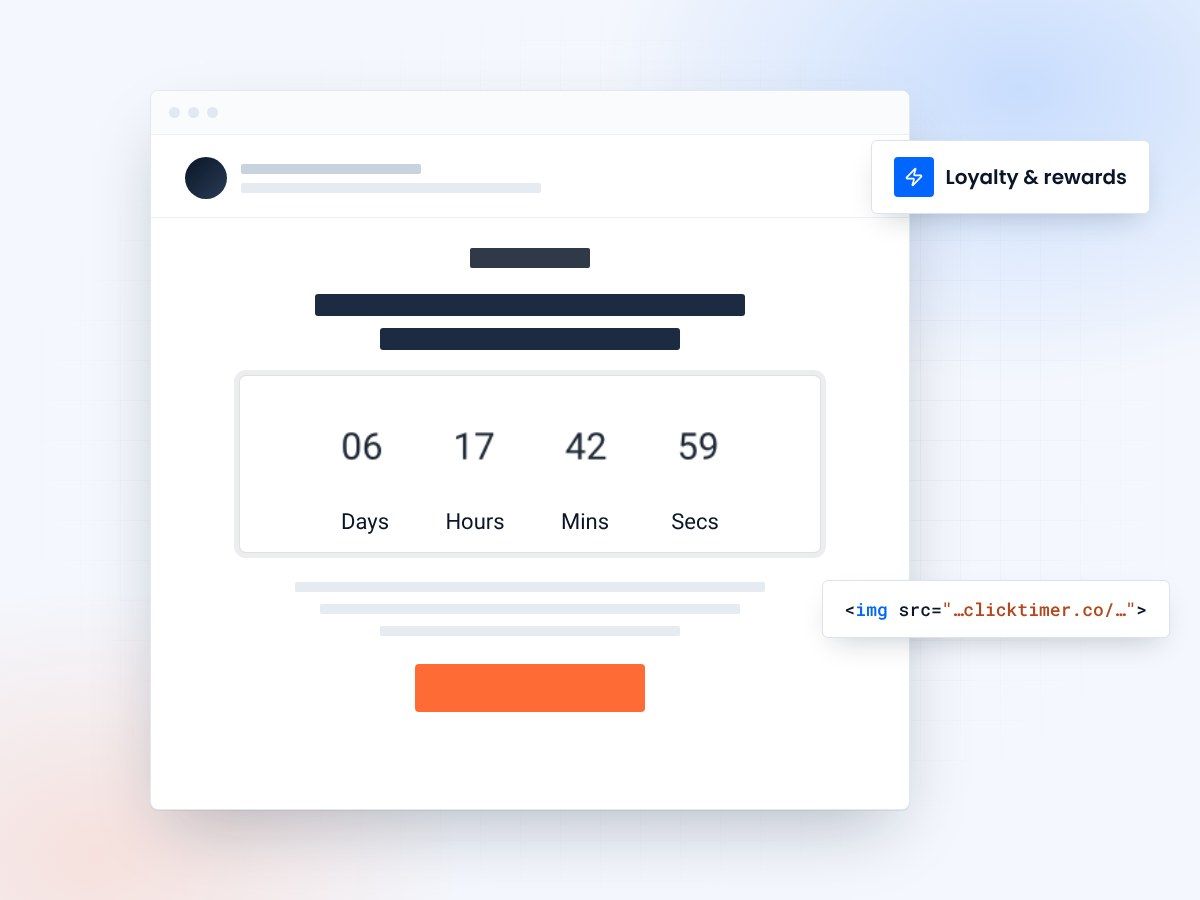
- Live countdown to each expiry date
- Personalized per member with merge tags
- 10,000 free impressions a month
- No watermark, even on the free plan
The hidden cost of expiring loyalty points
Billions of dollars in loyalty points expire unused every year. For businesses, this might seem like a win on the balance sheet — unredeemed liabilities disappear. But the reality is far more damaging. When a customer's points expire, they don't just lose points — they lose trust, engagement, and any reason to stay loyal. Research from Bond Brand Loyalty shows that members who redeem points are 1.6x more likely to continue engaging with a brand. Letting points expire is leaving money — and relationships — on the table.
Countdown timer emails solve this by making the expiration date impossible to ignore. When a member opens an email and sees "Your 2,400 points expire in 4 days, 11 hours, 23 minutes," the urgency is immediate and personal. It's not a generic reminder — it's a live, ticking visualization of value they're about to lose. This is loss aversion in its purest form, and it's remarkably effective at driving redemption.
The rewards expiry email sequence
A single "your points are expiring" email isn't enough. Build a sequence that escalates urgency while offering progressively compelling reasons to redeem:
| Timing | Message Focus | Countdown Urgency | |
|---|---|---|---|
| 1 — Awareness | 30 days before | "You have X points — here's what you can get" | Low (days) |
| 2 — Inspiration | 14 days before | Curated redemption suggestions | Medium (days + hours) |
| 3 — Urgency | 5 days before | "Don't lose your points" + bonus offer | High (hours + minutes) |
| 4 — Last Chance | 24 hours before | "Final hours — use or lose" | Maximum (hours + minutes) |
Maximizing redemption with smart countdown strategies
Show the monetary value alongside the countdown
"Your 5,000 points ($50 value) expire in [countdown]" is far more compelling than just showing points. People respond to dollars more than abstract points. The countdown amplifies the perceived loss when it's tied to a concrete dollar amount.
Offer bonus multipliers with their own countdown
"Use your points in the next [countdown] and we'll add a 2x bonus." This creates a double urgency layer — the points expiry and the bonus window. Even a modest bonus can dramatically increase redemption rates.
Curate easy redemption options
Decision paralysis kills redemption. Instead of linking to a catalog of 500 items, suggest 3-5 options that match the member's point balance and purchase history. "You have enough for: [Option A], [Option B], or [Option C]. Pick one before [countdown]."
Enable low-friction redemption
Every click between the email and the redemption is a drop-off point. Ideally, link directly to a pre-filled redemption page. If possible, offer one-click redemption options right in the email.
Pro tip: points-plus-purchase countdown
If members don't have enough points for a full redemption, offer "points + pay" options with a countdown. "Use your 3,000 points + $12.99 for [premium item]. Offer ends in [countdown]." This drives both redemptions and revenue, and the countdown makes the combined offer feel time-limited.
Loyalty program types and countdown applications
Retail points programs
Countdown to point expiration with product suggestions. "Your 4,200 points = free [product]. Redeem before [countdown]." Link to specific products within their point range. See our guide on Shopify countdown timers for ecommerce integration tips.
Airline and hotel loyalty
Status tier expiration countdowns. "You need 2,000 more points to maintain Gold status. Earn them before [countdown]." This drives incremental spending to maintain status — one of the most profitable loyalty behaviors.
Coffee shop and restaurant rewards
Countdown to free item expiry. "Your free latte expires in [countdown]. Come in and enjoy it!" Simple, direct, and highly effective for driving foot traffic.
Cashback and credit card rewards
Countdown to statement credit deadline. "Redeem your $47.50 cashback before [countdown] or it resets." The monetary value makes the countdown hit harder.
Create your loyalty expiry countdown
Set the expiry date, match your brand, copy the code. 10,000 free impressions a month, no credit card.
Already have an account?
Send Test Email
Enter your email to receive a preview of how this countdown looks in email campaigns.
Re-engagement through reward countdowns
Point expiration emails aren't just about redemption — they're one of the most effective re-engagement tools available. A dormant member who hasn't opened an email in months will often open a "Your points are expiring" email because it triggers loss aversion.
Use this re-engagement opportunity strategically. Alongside the countdown and redemption CTA, include a secondary message: new products, upcoming events, or exclusive member benefits they've been missing. The point expiration email gets them back in the door; the secondary content gives them a reason to stay.
Setting up loyalty countdown emails with ClickTimer
Creating countdown timers for loyalty point expiration is simple with ClickTimer. Head to the configurator, set the end date to the member's point expiration date, customize the design with your brand's fonts (choose from 900+ Google Fonts) and colors, and paste the generated HTML code into an HTML block in your email.
For automated loyalty programs running through Klaviyo, ActiveCampaign, or HubSpot, use dynamic date merge tags to personalize each member's countdown to their individual expiration date.
With ClickTimer's free tier (10,000 impressions, no watermark) and pay-as-you-go pricing starting at just €0.23/10K impressions, even large loyalty programs can add countdown timers without blowing the budget. That's a fraction of what competitors like MailTimers (€49/month) charge.
Frequently asked questions
Can I personalize the countdown for each member's expiration date?
Yes. Use your ESP's merge tags to dynamically set each member's point expiration date in the ClickTimer URL. Every member sees their personalized countdown — no manual setup needed.
Should I show the exact point balance in the email?
Absolutely. Showing both the point balance and its monetary equivalent ("3,500 points = $35") alongside the countdown maximizes urgency. People feel the loss more when they can quantify it.
What if members redeem before the countdown ends?
Use your ESP's automation rules to suppress subsequent reminder emails once a member redeems. The countdown in already-sent emails will continue ticking but is harmless — the member has already acted.
Is it legal to expire loyalty points?
Point expiration policies vary by jurisdiction. Most programs can expire points with proper notice (which is exactly what these countdown emails provide). Always consult legal counsel for your specific market and ensure your terms of service clearly state the expiration policy.
Try ClickTimer free
Create your first countdown timer in 30 seconds.