The Best CountdownMail Alternative for Email Countdown Timers
Get 10K free impressions monthly with no watermark, no subscription, and credits that never expire
Try ClickTimer Free 10,000 free impressions a month · No watermark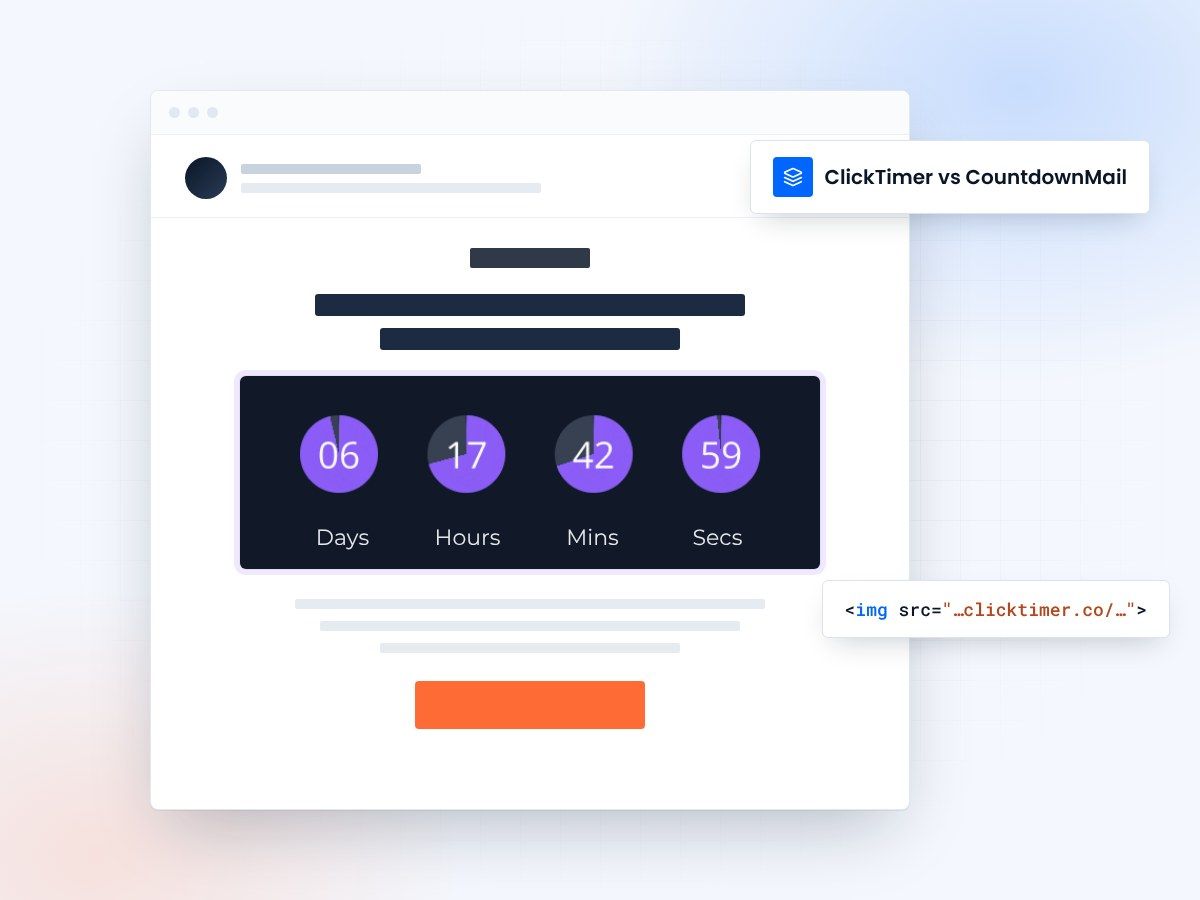
- No watermark, even on free
- No forced subscription
- Credits that never expire
- 10,000 free impressions a month
A CountdownMail alternative without the watermark
CountdownMail is a solid countdown timer tool, but many users are frustrated by the forced watermark on the free tier and the monthly subscription model that resets unused impressions. ClickTimer offers a better alternative: no watermark even on free, pay-as-you-go pricing, and credits that never expire so you only pay for what you use.
CountdownMail vs ClickTimer
| Feature | CountdownMail | ClickTimer |
|---|---|---|
| Free tier | Unlimited (capped impressions) | 10K impressions |
| Watermark on free | Yes | No |
| Pricing model | Monthly subscription | Pay-as-you-go |
| Credits expiration | Monthly reset | Never expire |
| Fonts available | Limited | 900+ |
| Cost for 100K | $7/month | €2.07 (one-time) |
Why switch from CountdownMail to ClickTimer?
No watermark on free tier
CountdownMail forces a watermark on all free timers, making your emails look unprofessional. ClickTimer gives you 10,000 monthly impressions completely watermark-free, so your brand always looks polished.
No forced subscriptions
With CountdownMail, you must pay $7/month just to remove the branding. ClickTimer uses pay-as-you-go pricing - only pay when you exceed 10K impressions, and only for what you actually use.
Truly transparent pricing
CountdownMail advertises unlimited emails but caps impressions, which can be misleading. ClickTimer is completely transparent: 10K free impressions, then €0.23 per 10K with volume discounts. No hidden limits.
Switching is easy
No migration needed. ClickTimer works the same way - create timer, copy HTML code, paste in your email.
- Create your timer90 seconds, no account needed
- Copy HTML codeworks with all ESPs
- Paste in your emailtimer updates in real-time
Create your first ClickTimer countdown
No watermark, no subscription, credits that never expire. 10,000 free impressions a month, no credit card.
Already have an account?
Send Test Email
Enter your email to receive a preview of how this countdown looks in email campaigns.
Frequently asked questions
Is ClickTimer really free?
Yes. 10,000 impressions free every month with no watermark. No credit card required.
How does ClickTimer compare to CountdownMail?
Unlike CountdownMail, ClickTimer has no watermark even on the free tier, uses pay-as-you-go pricing instead of subscriptions, and credits never expire. You get professional-looking timers without recurring fees or wasted impressions.
What happens when I exceed 10K impressions?
Buy credits at €0.23 per 10K (or less at higher volumes). Credits never expire - use them whenever you need.
Can I use my existing email templates?
Yes. ClickTimer works with any email platform that supports HTML images - Klaviyo, Mailchimp, HubSpot, and 100+ others.
Will I lose money if I don't use all my impressions?
No. With CountdownMail's monthly subscription, unused impressions reset each month. ClickTimer credits never expire, so you only pay for what you actually use, when you use it. Perfect for seasonal campaigns or inconsistent email volumes.
Ready to switch from CountdownMail?
Create your first timer in 90 seconds. 10K free impressions, no credit card required.