The Best Kickdynamic Alternative for Email Countdown Timers
Skip the sales calls and contracts. Get instant access to email countdown timers with transparent pricing and a generous free tier.
Try ClickTimer Free 10,000 free impressions a month · No watermark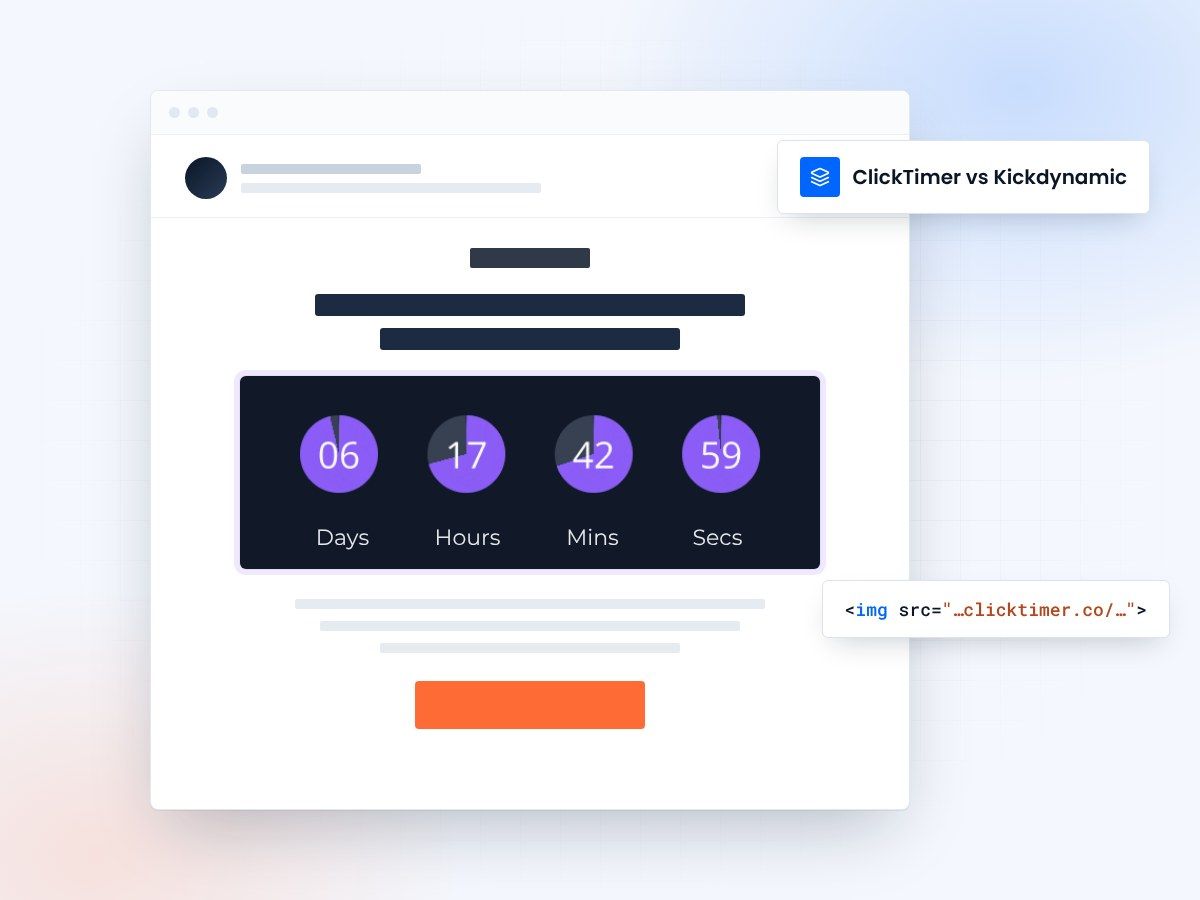
- No sales call, no contract
- Public, transparent pricing
- 10,000 free impressions a month
- No watermark, even on the free plan
Email countdown timers without the sales process
Kickdynamic is a powerful enterprise platform for dynamic email content, but getting started requires contacting sales, navigating custom pricing, and committing to contracts. If you just need email countdown timers with transparent pricing and instant access, ClickTimer offers a simpler, more affordable alternative that you can start using in 90 seconds—no sales calls required.
Kickdynamic vs ClickTimer
| Feature | Kickdynamic | ClickTimer |
|---|---|---|
| Free tier | None | 10K impressions |
| Watermark on free | N/A | No |
| Pricing model | Enterprise pricing | Pay-as-you-go |
| Credits expiration | Contract-based | Never expire |
| Fonts available | Custom | 900+ |
| Cost for 100K | Custom pricing | €2.07 (one-time) |
Why switch from Kickdynamic to ClickTimer?
Transparent pricing from day one
No need to contact sales or negotiate contracts. ClickTimer pricing is public: start free with 10K impressions/month, then pay just €2.07 for 100K impressions or €15.97 for 1M impressions. Know exactly what you'll pay before you start.
Built for SMBs and enterprises alike
Whether you're a solo marketer or a large team, ClickTimer's self-serve platform scales with you. No minimum spend, no enterprise-only features locked away. Everyone gets access to 900+ fonts, unlimited timers, and all customization options.
Instant setup, zero complexity
If you just need countdown timers, why deal with complex enterprise onboarding? ClickTimer lets you create and deploy your first timer in 90 seconds. No training required, no account setup, no waiting for sales demos. Just timers that work.
Switching is easy
No migration needed. ClickTimer works the same way - create timer, copy HTML code, paste in your email.
1. Create your timer
90 seconds, no account needed
2. Copy HTML code
Works with all ESPs
3. Paste in your email
Timer updates in real-time
Create your countdown timer
Set the end date, match your brand, copy the code. 10,000 free impressions a month, no credit card.
Already have an account?
Send Test Email
Enter your email to receive a preview of how this countdown looks in email campaigns.
Frequently asked questions
Is ClickTimer really free?
Yes. 10,000 impressions free every month with no watermark. No credit card required.
How does ClickTimer compare to Kickdynamic?
ClickTimer focuses specifically on countdown timers with transparent pricing and instant access. While Kickdynamic offers a broader dynamic content platform with enterprise features, ClickTimer provides a simpler, self-serve solution that's perfect if you just need timers. You get started immediately without sales calls, see exact pricing upfront, and pay only for what you use with credits that never expire.
What happens when I exceed 10K impressions?
Buy credits at €0.23 per 10K (or less at higher volumes). Credits never expire - use them whenever you need.
Can I use my existing email templates?
Yes. ClickTimer works with any email platform that supports HTML images - Klaviyo, Mailchimp, HubSpot, and 100+ others.
Do I need to wait for a sales demo to get started?
No. Unlike Kickdynamic's enterprise sales process, ClickTimer is completely self-serve. Visit the website, configure your timer in the visual editor, and get your HTML code instantly. You can test it in your emails within minutes, not weeks. If you ever need help, our documentation and support are available immediately.
Ready to switch from Kickdynamic?
Create your first timer in 90 seconds. 10K free impressions, no credit card required.