The Best MotionMail Alternative for Email Countdown Timers
Get 900+ fonts instead of just 24, crystal-clear timer quality, and no watermark on free tier
Try ClickTimer Free 10,000 free impressions a month · No watermark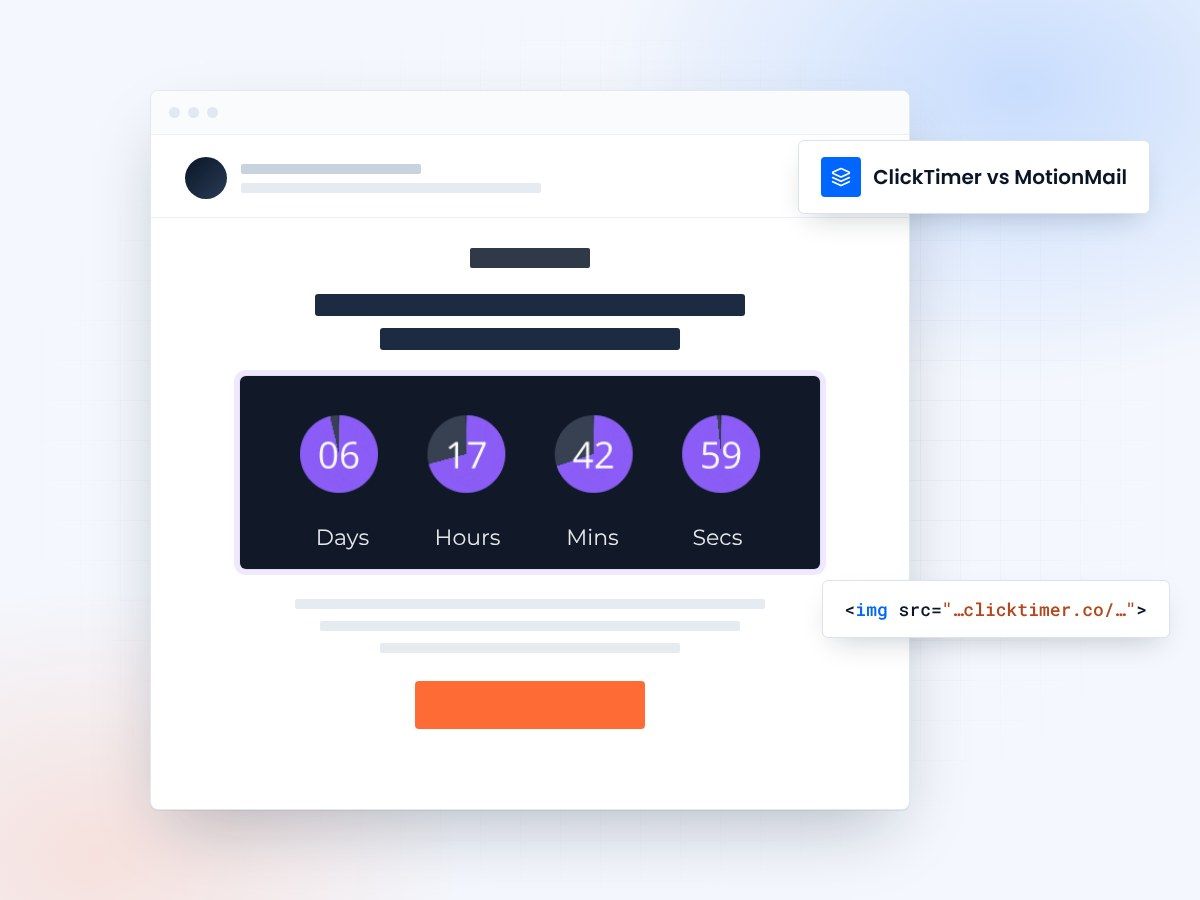
- 900+ fonts instead of 24
- No watermark, even on the free plan
- Credits that never expire
- Same copy-and-paste workflow
Why teams look beyond MotionMail
MotionMail works for basic countdown timers, but its limited font selection makes brand matching nearly impossible. With only 24 fonts available and reported image quality issues, your timers may look pixelated and unprofessional. ClickTimer solves these problems with 900+ fonts, crystal-clear rendering, and no watermark—even on the free tier.
MotionMail vs ClickTimer
| Feature | MotionMail | ClickTimer |
|---|---|---|
| Free tier | 20K impressions | 10K impressions |
| Watermark on free | Yes | No |
| Pricing model | Monthly subscription | Pay-as-you-go |
| Credits expiration | Monthly reset | Never expire |
| Fonts available | 24 | 900+ |
| Cost for 100K | $10-200/month | €2.07 (one-time) |
Why switch from MotionMail to ClickTimer?
900+ fonts vs just 24
MotionMail's 24 fonts make it nearly impossible to match your brand typography. ClickTimer gives you access to 900+ Google Fonts—find the perfect match for your brand every time, from classic serifs to modern sans-serifs.
No watermark, ever
MotionMail's free tier includes a watermark that makes your emails look unprofessional. ClickTimer removes the watermark completely—even on the free 10K impression plan. Your brand stays front and center.
Crystal-clear quality
Users report pixelated, blurry timers with MotionMail. ClickTimer uses advanced rendering technology to deliver sharp, high-quality countdown timers that look professional across all email clients and devices.
Create your first countdown
Create your first timer in 90 seconds. 10,000 free impressions a month, no credit card.
Already have an account?
Send Test Email
Enter your email to receive a preview of how this countdown looks in email campaigns.
Switching is easy
No migration needed. ClickTimer works the same way - create timer, copy HTML code, paste in your email.
- Create your timer90 seconds, no account needed
- Copy HTML codeworks with all ESPs
- Paste in your emailtimer updates in real-time
Frequently asked questions
Is ClickTimer really free?
Yes. 10,000 impressions free every month with no watermark. No credit card required.
How does ClickTimer compare to MotionMail?
ClickTimer offers 900+ fonts compared to MotionMail's 24, crystal-clear rendering quality without pixelation issues, and no watermark even on the free tier. Plus, our pay-as-you-go model means credits never expire—unlike MotionMail's monthly subscription that resets.
What happens when I exceed 10K impressions?
Buy credits at €0.23 per 10K (or less at higher volumes). Credits never expire - use them whenever you need.
Can I use my existing email templates?
Yes. ClickTimer works with any email platform that supports HTML images - Klaviyo, Mailchimp, HubSpot, and 100+ others.
Will I lose impressions if I don't use them all in a month?
No. Unlike MotionMail's monthly reset system, ClickTimer credits never expire. Buy once, use whenever you need them. This is perfect for seasonal campaigns or sporadic email schedules—you only pay for what you actually use.
Ready to switch from MotionMail?
Create your first timer in 90 seconds. 10K free impressions, no credit card required.