The Best NiftyImages Alternative for Email Countdown Timers
Why pay $25/month when you can get 10K free impressions and only pay for what you use?
Try ClickTimer Free 10,000 free impressions a month · No watermark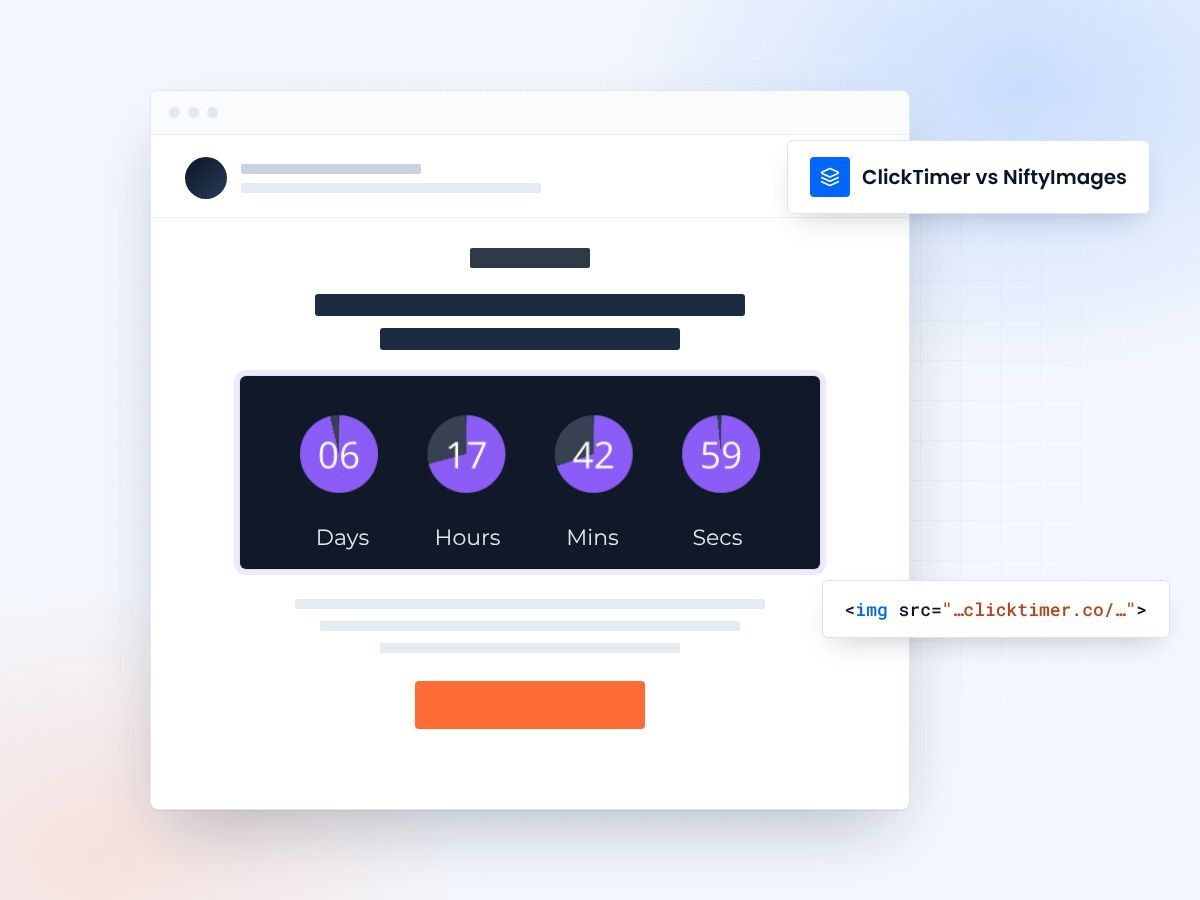
- 10,000 free impressions a month
- No watermark, even on the free plan
- Prepaid credits that never expire
- No subscription
A simpler NiftyImages alternative
NiftyImages is a powerful platform with many features, but if you only need countdown timers for your email campaigns, you're paying for complexity you don't need.
Starting at $25/month with no free tier means you can't even test it before committing to a subscription. ClickTimer offers a simpler, more affordable alternative: 10K free impressions every month, pay-as-you-go pricing, and credits that never expire.
NiftyImages vs ClickTimer
| Feature | NiftyImages | ClickTimer |
|---|---|---|
| Free tier | None | 10K impressions |
| Watermark on free | N/A | No |
| Pricing model | Monthly subscription | Pay-as-you-go |
| Credits expiration | Monthly reset | Never expire |
| Fonts available | Custom TTF upload | 900+ |
| Cost for 100K | $25-950/month | €2.07 (one-time) |
Why switch from NiftyImages to ClickTimer
Much more affordable
NiftyImages starts at $25/month minimum. ClickTimer gives you 10K free impressions every month, then just €2.07 for 100K impressions. If you send occasional campaigns, you could save hundreds per year.
Try before you buy
NiftyImages has no free tier, so you can't test it risk-free. ClickTimer gives you 10,000 free impressions every month with no watermark and no credit card required. Test it with real campaigns before spending a penny.
Simple and focused
NiftyImages offers many features beyond timers, which adds complexity. ClickTimer focuses exclusively on countdown timers, making it faster to set up and easier to use when you just need timers that work.
Switching is easy
No migration needed. ClickTimer works the same way - create timer, copy HTML code, paste in your email.
- Create your timer90 seconds, no account needed
- Copy HTML codeworks with all ESPs
- Paste in your emailtimer updates in real-time
Create your first countdown
Set your deadline, copy the HTML code, paste it in your email. 10,000 free impressions a month, no credit card.
Already have an account?
Send Test Email
Enter your email to receive a preview of how this countdown looks in email campaigns.
Frequently asked questions
Is ClickTimer really free?
Yes. 10,000 impressions free every month with no watermark. No credit card required.
How does ClickTimer compare to NiftyImages?
ClickTimer focuses exclusively on countdown timers, making it simpler and more affordable. You get 10K free impressions monthly (NiftyImages has no free tier), pay-as-you-go pricing instead of subscriptions starting at $25/month, and credits that never expire. Plus, 900+ built-in fonts versus uploading custom TTF files.
What happens when I exceed 10K impressions?
Buy credits at €0.23 per 10K (or less at higher volumes). Credits never expire - use them whenever you need.
Can I use my existing email templates?
Yes. ClickTimer works with any email platform that supports HTML images - Klaviyo, Mailchimp, HubSpot, and 100+ others.
Will I lose features by switching from NiftyImages?
If you only use NiftyImages for countdown timers, you won't lose any functionality. ClickTimer specializes in timers with all the features you need: evergreen and fixed timers, full customization, timezone detection, and 900+ fonts. If you use NiftyImages' other dynamic image features, those aren't available in ClickTimer.
Ready to switch from NiftyImages?
Create your first timer in 90 seconds. 10K free impressions, no credit card required.